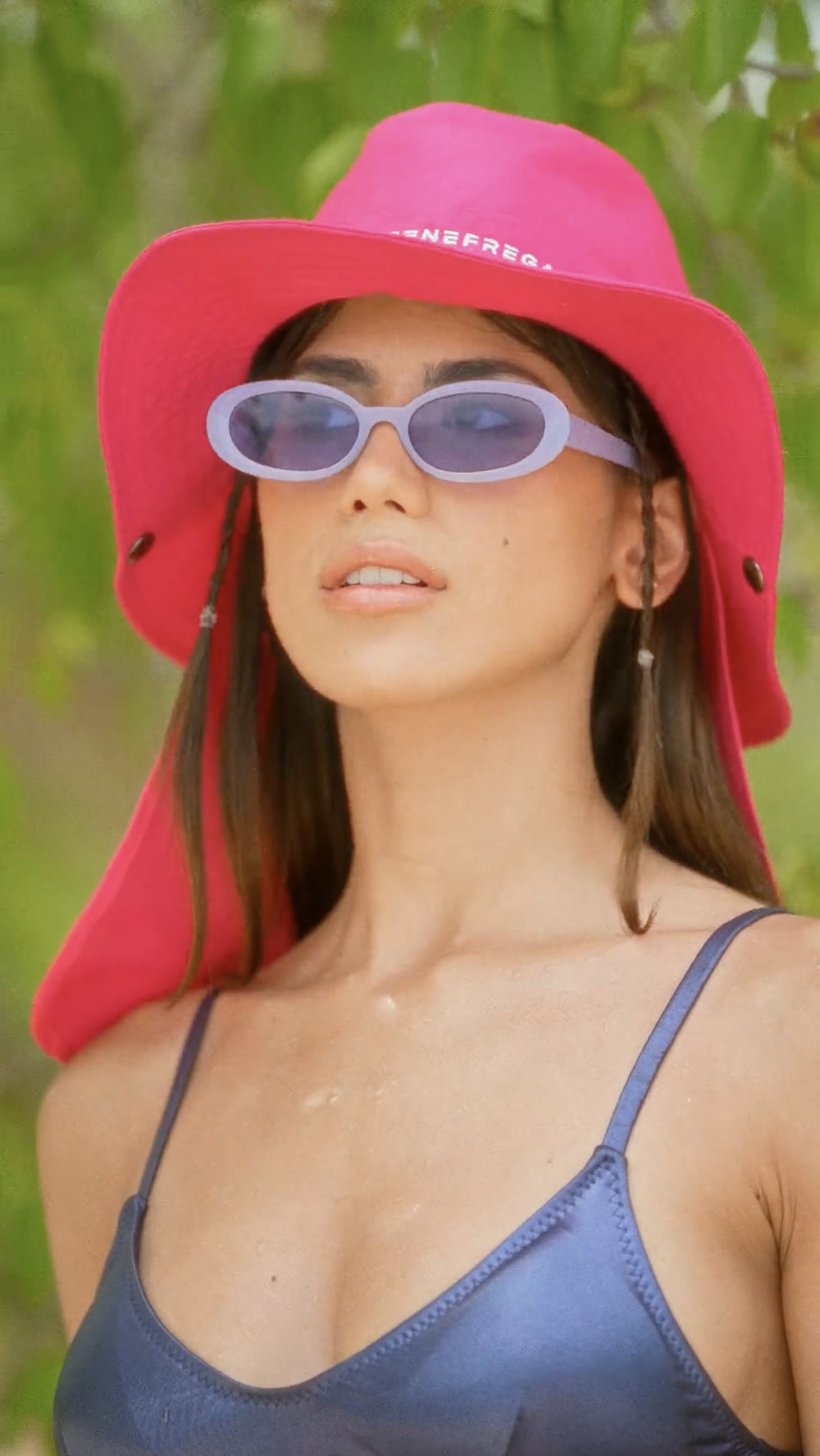
Color is the last thing you touch in a video and, often, what makes the difference between a piece that's simply fine and one you remember. Here I explain what color correction is, how it differs from color grading and how I work each shot in DaVinci Resolve.
When a brand or an artist sends me their recorded footage, it almost always arrives flat, dull and a little washed out. That's not a mistake: professional cameras (like the Sony bodies I use) record in logarithmic profiles that preserve as much information as possible, at the cost of looking contrast-free. That footage is the raw material. Color correction is what turns it into an image.
Color correction vs. color grading
They're used interchangeably, but they're two distinct phases of the same process:
- Color correction: the technical side. You balance the exposure, adjust the white balance and get every shot in a sequence to match. The goal is consistency: making a shot filmed in the morning and one filmed in the afternoon look like the same scene.
- Color grading: the creative side. On top of that corrected base, you build a look: warm and nostalgic, cold and tense, saturated and advertising-ready. This is where color brings emotion and identity.
A well-finished video needs both. You correct so it's consistent, and then you grade so it means something.
Why I work with DaVinci Resolve
DaVinci Resolve is the industry standard for color post-production, and not because it's trendy. It works in high bit-depth color, allows node-based primary and secondary correction, object tracking, and manages color spaces properly. In practice, that means I can isolate a skin tone, recover a blown-out sky or change the color of an object without destroying the rest of the image.
What my process looks like, step by step
1. Balance and consistency
First I neutralize each shot and match them to one another. Without this step, any look you apply afterward looks uneven from one take to the next.
2. Building the look
We define the direction: what the viewer should feel. From there I work the contrast, the temperature and the palette until the image breathes on its own.
3. Secondaries and detail
This is the fine polish: skin tones, skies, a product that needs to stand out, subtle vignettes that guide the eye where we want it. These are the details you don't consciously notice, but you feel them.
When do you need a colorist?
Not every project requires one, but color shows especially in music videos, brand pieces, fashion and any video competing for attention. If you're going to invest in a great shoot, finishing it without serious color work leaves half the result on the table.
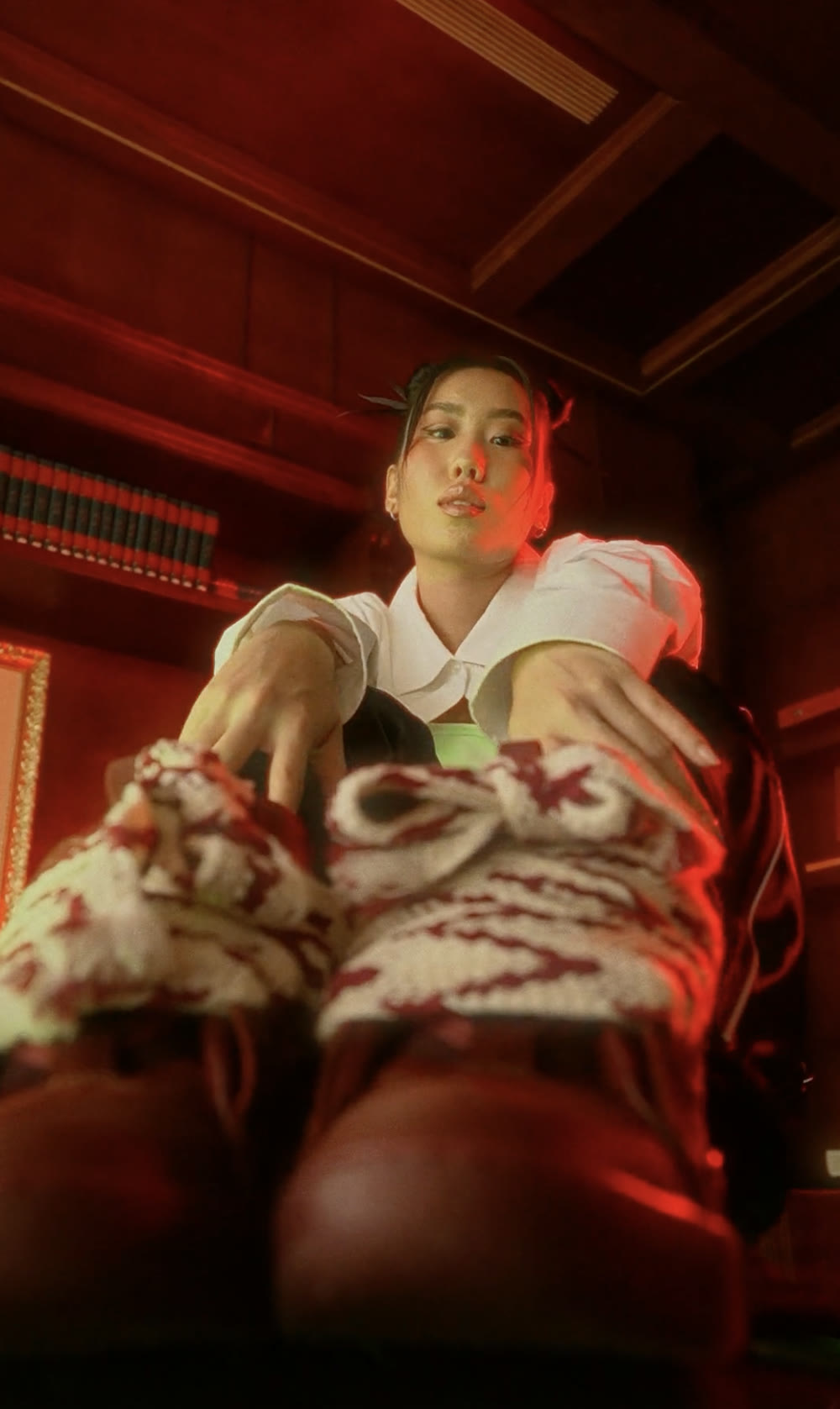
Frequently asked questions
How much does color correction for a video cost?
It depends on the length, the number of shots and whether it's just correction or creative grading as well. The best thing is to tell me about your project and I'll send you a fixed quote, no surprises.
What footage do I need to give you?
Ideally the original camera files (in log or RAW if possible) and the edited cut, or the editing project. With that I keep the maximum quality and flexibility to work the color.
Does it work for video shot on a phone or with Sony cameras?
Yes. I work regularly with the Sony camera system, and phone footage can also be improved a lot. The more information the original file holds, the more room there is for color.
How long does the process take?
A short video (a reel or a spot) is usually ready in a few days; a music video or a longer piece needs a little more time because of the number of shots. When I give you the quote, I also give you a timeline.
Got a video you want to take to the next level?
Tell me about your project and we'll give it the color it deserves.